



Pathology lab reporting software for dermatology
Simplify your pathology lab workflow with our paperless LIS solution
Designed to reduce or even eliminate paperwork, faxes, and file scanning when used with our EMA® EHR, the Pathology Module from ModMed® allows you to become nearly paperless. Whether you perform the technical component, the professional component, or global (both), you can manage the entire lifecycle of a specimen and share results automatically upon electronically signing the pathology report.
“Inputting the gross descriptions is almost
4x as fast
with Pathology as with our old process.”
– Matthew Petitt, DO, Southeast Dermatology
More than
15 million
patients have been diagnosed
using our Pathology Module
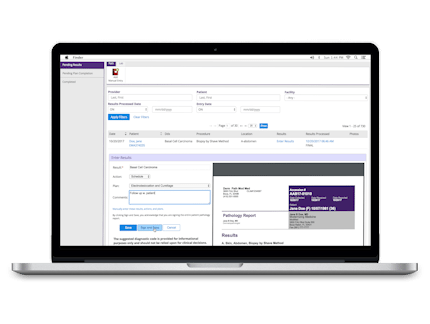
Streamline your performance
Addressing an end-to-end process from accession to corrections, ModMed’s Pathology Module solution relies on built-in industry expertise and innovative dermatology-specific EHR technology to receive requisitions, track them through the lab workflow, and send dermatopathology results. No more scanning paperwork or faxing* — it’s all already in EMA.
*Unless your practice is reading for outside providers.
Eliminate steps and free up time
ModMed’s Pathology Module is all about efficiency, functioning in conjunction with our EMA EHR. The result? A solution that eliminates repetitive data entry and that can save you time, so you can do more with your day.
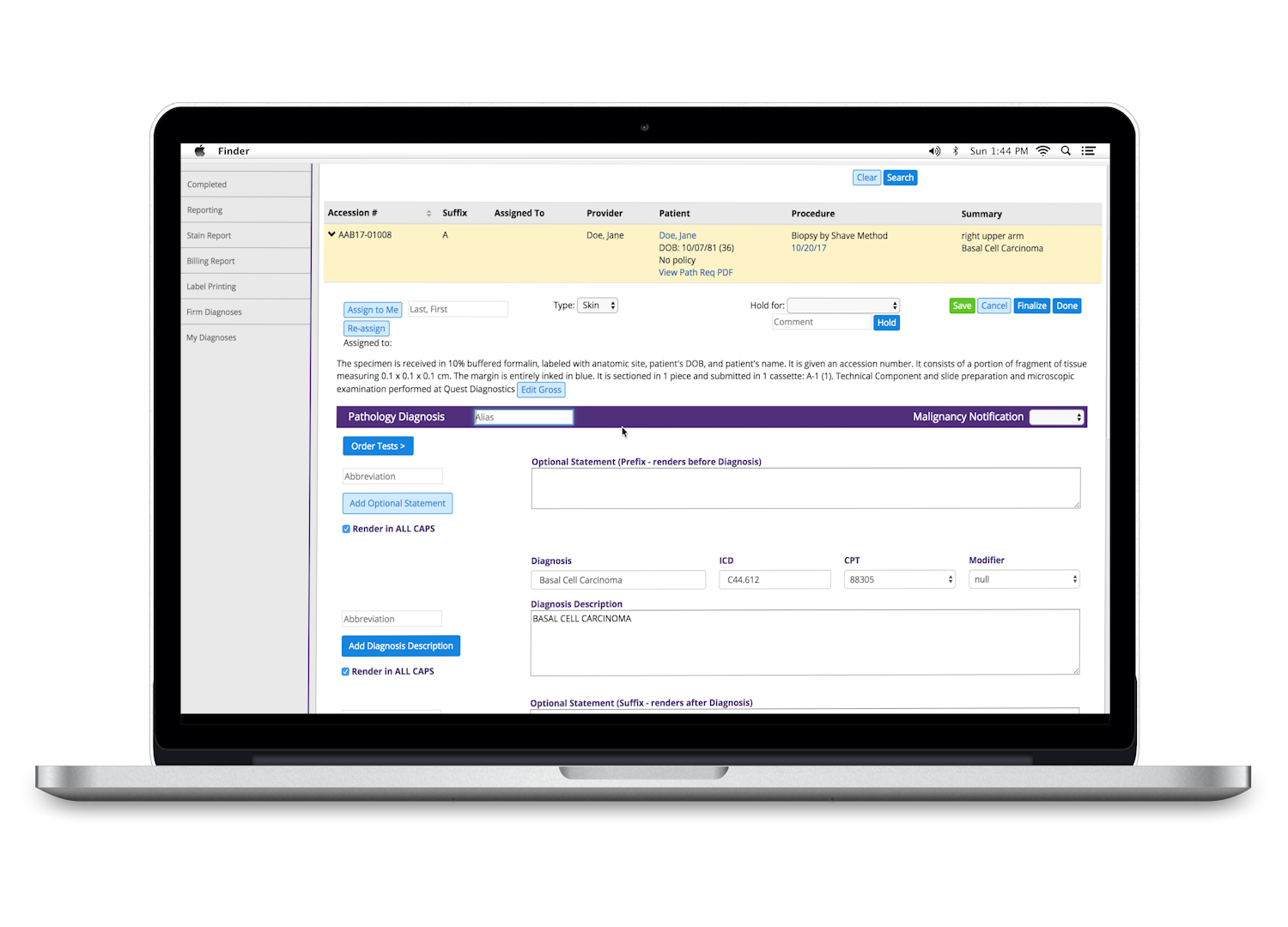
The benefits of our Pathology Module
Efficient
- Quick access to information can enable the processing of more specimens per day
- Prepopulated information and customizable shortcuts minimize typing tasks
Integrated
- Displays and provides access to the patient chart, visit, biopsy pictures, and pathology reports
- Practices no longer need to spend time scanning incoming pathology reports, and the lab does not have to enter requisition data manually
Customizable
- Make it work for you by customizing gross defaults, built-in diagnoses, abbreviations, and stains
- Select setup options that match your lab workflow
Streamlined
- With a two-way bridge, or with our Practice Management (PM) system, the Pathology Module automatically sends charges to the PM system upon finalization, eliminating manual billing
- Billing data is available to download for reconciliation purposes
Patient-focused
- Automation reduces the likelihood of data entry errors
- Cloud storage mitigates the risk of lost or misplaced paperwork
Knowledge-based
- Equipped with a library of more than 950 diagnoses, 100 stains, and abbreviations that are easily tailored to your specific requirements
- Preloads common diagnoses and a recommended plan of action in our EHR’s results log based on your configuration
Sometimes, one size does fit all
ModMed’s Pathology Module supports practices of all sizes, including individual dermatopathologists, small to large dermatology groups, practices that outsource technical or professional components, and even large labs that process both external requisitions received by courier and those generated in EMA.
We wanted to do more than build an EHR system; we wanted to engineer a seamless workflow that eliminates operational bottlenecks, reduces manual errors, and ultimately accelerates the path from biopsy to diagnosis. That’s exactly what inspired the creation of our Pathology Module and continues to inspire improvements to all our offerings.
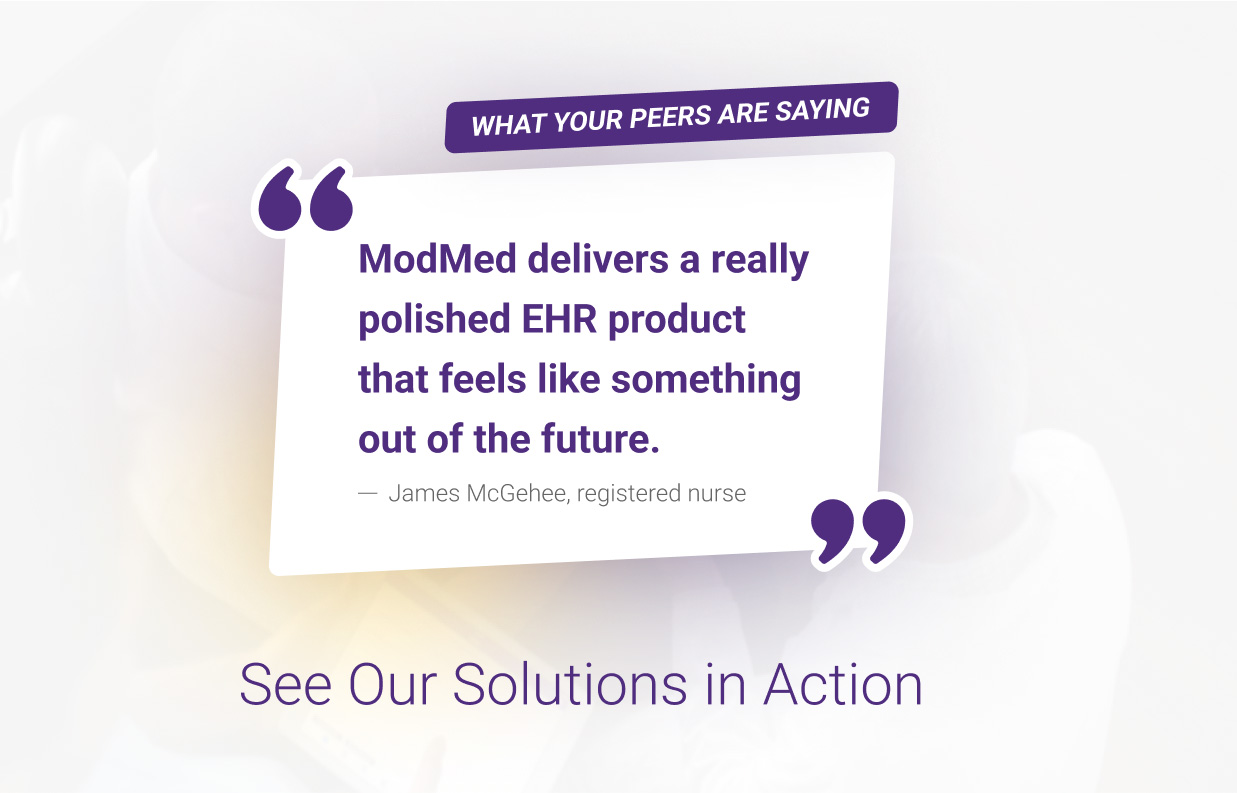
Here’s what your peers are saying

Eli Piatigorsky, MD, Premier Dermatology
“From the moment we receive the slides from the outside laboratory, our turnaround time can be less than one hour. The diagnosis is entered in the pathology software and is instantly available in the patient’s chart.”

Matthew Petitt, DO, Southeast Dermatology
“It’s as if the patient chart physically goes to the lab, making everything that happens in the exam room accessible to the dermatopathologist. We’ve also freed up time spent on reporting and manually entering data and eliminated duplicate data entry, decreasing the probability of errors.”
Frequently asked questions
Can I use multiple accession sequences?
Yes. Each pathologist, facility, and workflow can have an accession sequence.
Are there privacy settings for the Pathology Module?
Yes, you can grant access to those who will be using the module only and hide the module from other users.
Can I track productivity with reporting tools in the Pathology Module?
Yes, the module contains reports to track productivity, as well as stains and billing.
Will the Pathology Module handle my label and cassette printing?
Yes, our module will handle slide or cassette label printing in most cases.
Can I still send some cases to external labs with the Pathology Module?
Yes. In the Visit Overview, you are able to route cases to either the internal lab or any external lab you are interfaced with.
Sometimes I send cases for a second opinion. Does the Pathology Module allow for that?
Yes, you can send cases for a second opinion or peer review through the module, and easily upload a second report using drag-and-drop functionality.
I use my own macros. Can I edit yours to reflect what I am used to?
Yes, our library of approximately 1,000 diagnoses can be customized to mirror your current diagnosis macros. You can also ignore our library and start from scratch.
How does your Pathology Module track cases? For example, if a patient calls in wondering about their biopsy.
Our reporting screen has a tracking mechanism option. You can search by accession number or patient name, and a link will bring you to wherever the case is within the module.
What does workflow look like for practices using the Pathology Module with your EMA EHR?
Workflow with EMA and the Pathology Module typically follows these steps:
- Clinician sees patient and sends the requisition to lab
- Histotechs process slides and document them in the Pathology Module
- Dermatopathologists can see the patient’s chart, biopsy photos, and old pathology reports as they diagnose a current case
- Path report is completed and signed
- Charges can automatically bridge to ModMed’s PM system
- Our EMA EHR auto-populates results into the patient’s chart
- Clinician signs off
Discover how our Pathology Module saves time
Fill out the form below to request a personalized demo
By clicking above, you agree to our Terms of Use and Privacy Policy and consent to receive promotional texts and calls from Modernizing Medicine, Inc. at the number you provided, including contact by automatic telephone dialing systems. Consent for texts/calls is not required for purchase. Msg and data rates may apply.