




Healthcare procurement software for medical practices
Simplify medical supply purchasing with ModMed® Procure
Compare prices. Place orders. Spot savings.
ModMed® Procure is integrated with our EMA® EHR and gGastro® to streamline how your practice orders supplies. Compare prices, place and pay for orders, get a clearer view of spending, and find more savings — all from a unified hub.
Ditch the portal hopping. Discover savings.
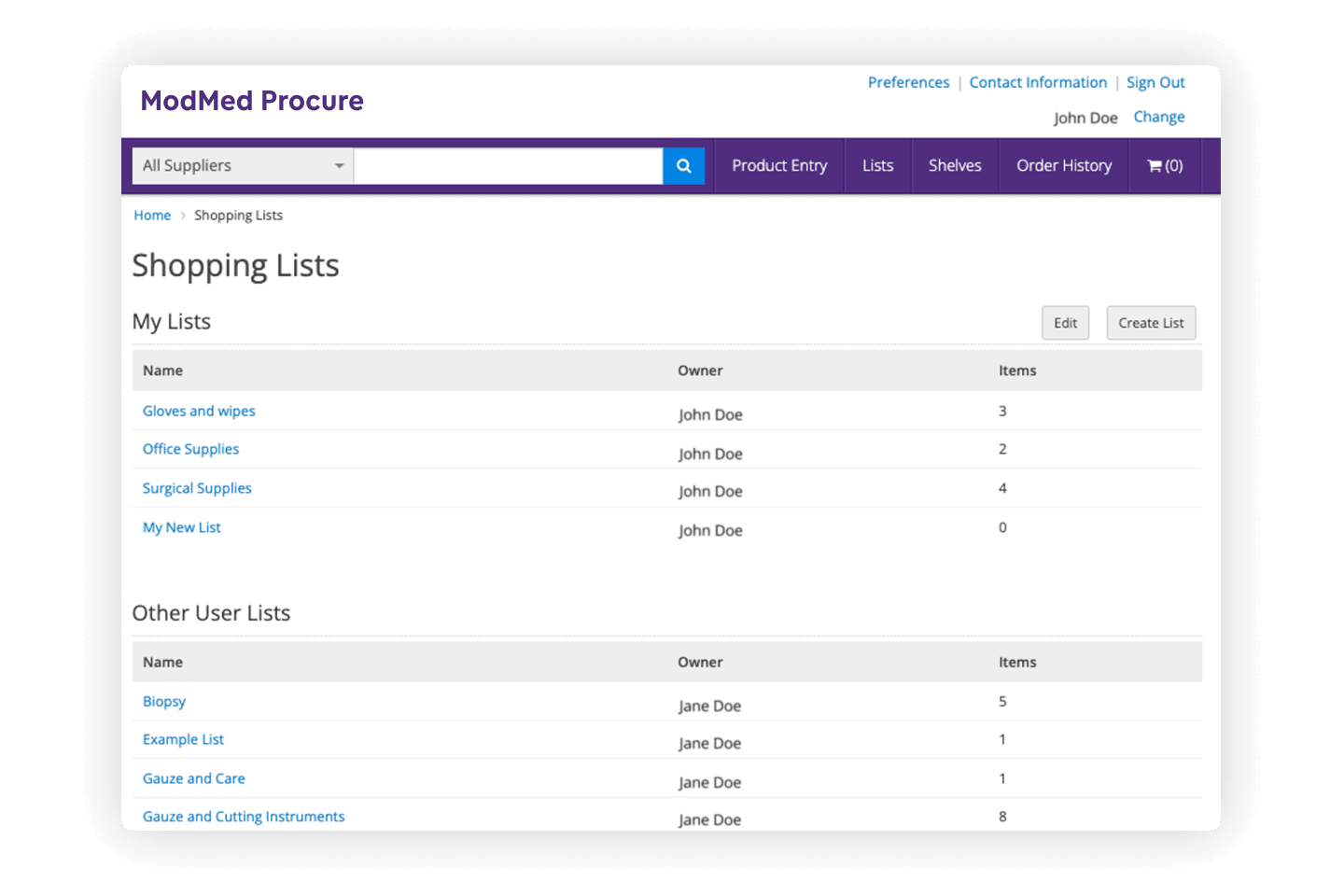
Build shopping lists
Organize virtual shelves to match your physical storage rooms and create custom shopping lists for easier tracking and reordering.
Compare your options
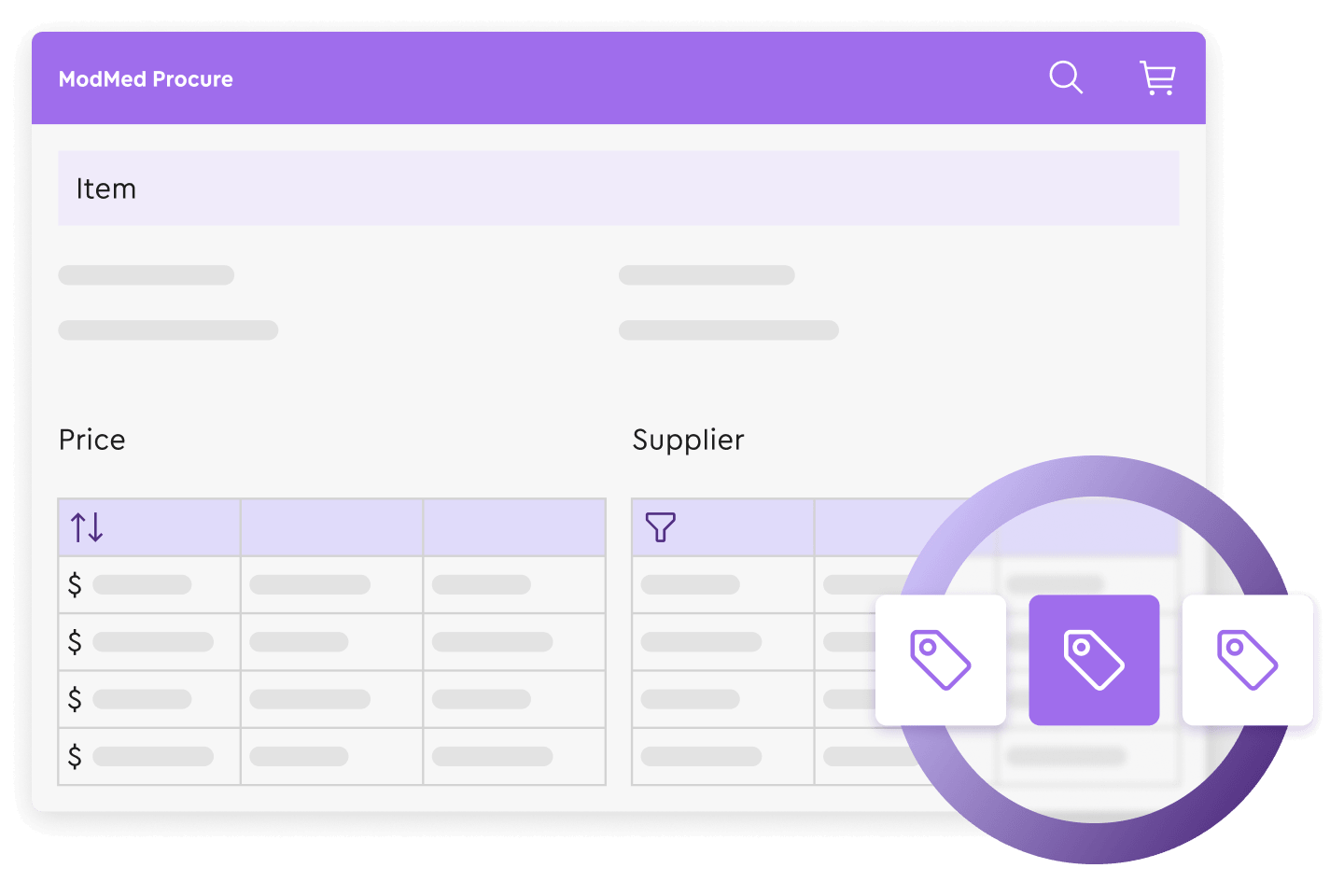
Search for products to compare prices, or filter by suppliers to find what you need faster. You can even add your own vendor catalogs to browse more items in one place.

Speed up checkout
Review, edit, and pay for orders inside the hub with a centralized cart management tool. Simplify checkout with ACH or credit card processing to keep your practice supplied without the administrative headache.
Track and manage spending
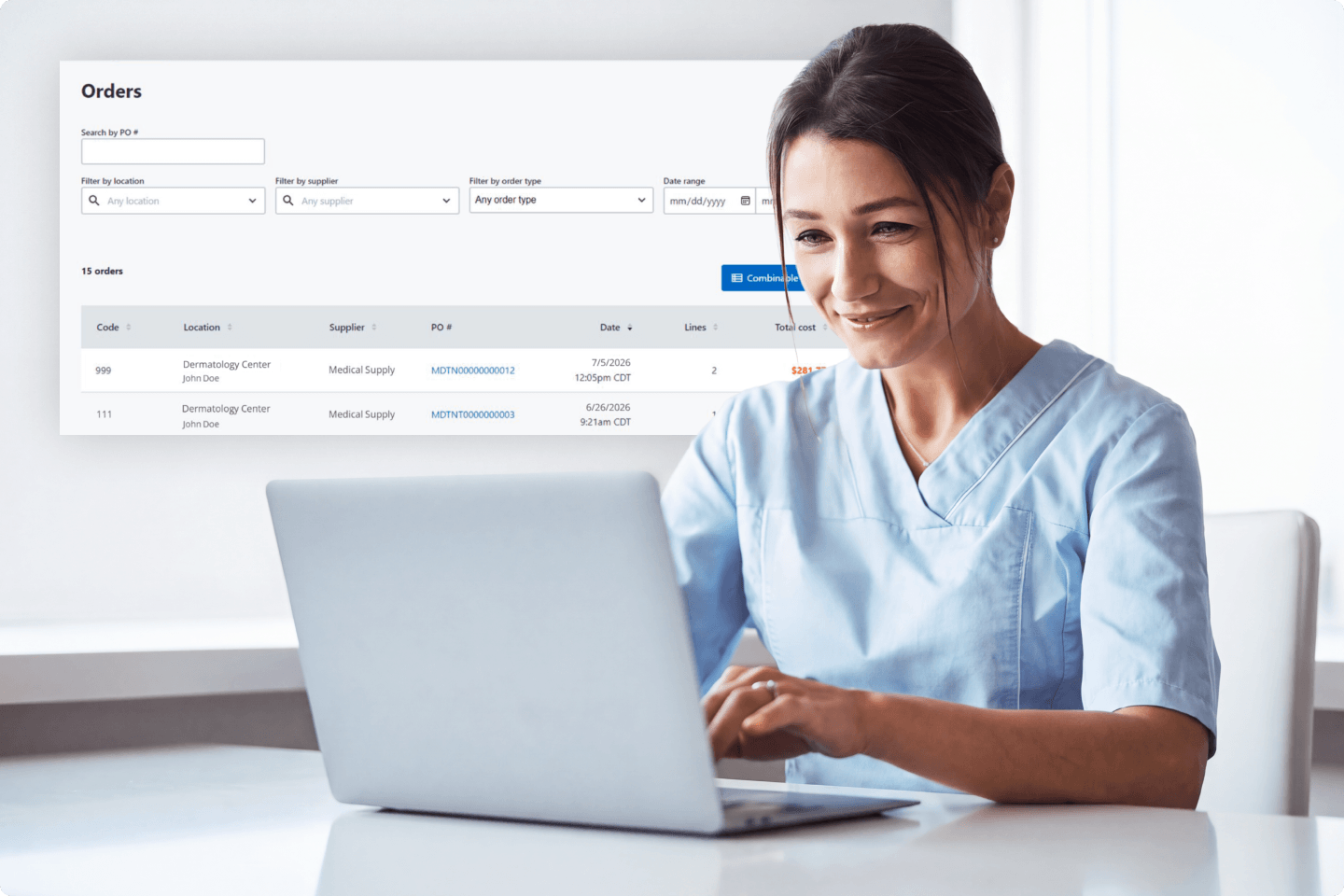
Access a detailed history of your past orders and invoices to monitor spending. Plus, set role-based purchasing guardrails that define who on your team can buy which products.

The power of group purchasing — built in
Our group purchasing organization (GPO) is included with your ModMed Procure subscription at no additional cost.¹ Access over 3,000 prenegotiated contracts designed to help you reduce supply costs by up to 15%.² ModMed analysts also review your purchasing history on an ongoing basis to spot more savings opportunities.
Prefer your own vendor contracts? No problem. Our GPO is built into ModMed Procure, but you’re not locked into our pricing. Bring your own contracts and buy the way that works for you.
How it works
Getting started is simple and automated, with no disruption to your daily operations. Here are the three easy steps:
- Join the GPO network: Sign a simple Participation Agreement to activate your GPO access within ModMed Procure.
- Shop as usual: Purchase your medical and office supplies through your normal workflow.
- Unlock deeper savings: ModMed Procure continuously analyzes your transactions to identify hidden savings opportunities and manage vendor negotiations, so you don’t have to.

Your preferred vendors. One unified workflow.




Real practices. Real results.
Having the ability to order from multiple suppliers on one platform drew me to ModMed Procure. We’ve already experienced cost savings by being able to compare different vendors and pricing.
Miranda Babcock, Practice Manager
Okemos, MI
We’ve been able to navigate back orders more effectively and quickly identify the best pricing. The shopping lists make reordering fast and simple. Supply management has never been more streamlined.
Joe Atzenbeck LT, USN (Ret.), MHA, CEO
Medford, OR
Everything is in one central place and doesn’t require a separate login for each supplier. The ability to filter supplies and build shopping lists speeds up procurement, eliminating double work.
Allison Piole, Certified Medical Assistant
McMurray, PA
FAQs
Can ModMed’s procurement solution handle multiple locations?
Absolutely. ModMed Procure and its integrated inventory tools are built for scale, making them ideal for growing practices and organizations with multiple locations.
- Centralized purchasing: Manage orders for all locations from a single, unified platform, eliminating the need to order from multiple disparate websites.
- Location-specific tracking: You can organize your virtual shelves that mirror physical storage, allowing you to monitor stock levels and audit inventory by cabinet or office.
- Spend visibility: Practice managers gain a high-level view of expenditures across the entire organization, helping standardize supplies used and reduce costs by preventing duplicate or inconsistent ordering across branches.
Can I compare supplier pricing through ModMed Procure?
Yes, with ModMed Procure, you can search across multiple suppliers, compare pricing, and take advantage of prenegotiated contracts and savings if you sign up for the ModMed GPO (group purchasing organization). The system is designed to provide better spend control through:
- Direct price comparison: Search for products by name or number to compare pricing and stock levels across the ModMed Procure Supplier Network.
- Contracted rate integration: You can leverage your existing contracted pricing and discounts directly within the platform.
- Built-in GPO access: ModMed Procure includes access to ModMed GPO at no additional cost. This provides practices with pre-negotiated contracts and savings of up to 15% on everyday medical and office supplies from over 3,000 leading manufacturers.
- Custom shopping lists: Simplify reordering by building tailored guides that reflect your practice’s specific vendor agreements and preferred supply lists.
How does ModMed Procure simplify daily ordering tasks?
ModMed Procure supports each step of your purchasing workflow — from search to checkout — in one place, so you never have to leave the platform. You can:
- Filter by supplier or search across multiple suppliers at once
- Place bulk orders
- Use the Lists feature to stay on top of frequent reorders
- Quickly pull up past orders and invoices to simplify the reordering process
Which medical and office supply vendors are available on ModMed Procure?
ModMed Procure connects you to a broad network of national and specialty suppliers. This allows practices to source clinical, specialty, and front-office supplies from a single platform. We are actively expanding our supplier network to include more specialty-specific and regional suppliers. You can find the latest list of suppliers included in the ModMed Procure Supplier Network on this page.
What spend categories are covered across the ModMed Procure Supplier Network?
ModMed Procure provides access to suppliers across key spend categories, including medical supplies, specialty drugs, specialty-specific supplies, office supplies, and facilities management — all through a centralized purchasing platform.
I don’t see a supplier listed. Can I add them to Procure?
Yes. ModMed Procure is designed to fit your practice’s purchasing workflows, which means you aren’t limited to our supplier network. If a vendor you use isn’t currently listed, you can upload its price catalog directly into the platform. From there, you can generate purchase orders within ModMed Procure. This allows you to keep buying from the vendors that work best for you.
How does the group purchasing organization work?
Our GPO analyzes your practice’s purchasing history to identify savings opportunities.¹ It also provides access to prenegotiated contracts with leading brands and manufacturers, helping to reduce your everyday supply costs. By comparing prices across all your vendors, the platform highlights the most favorable rates available and can apply those savings. Plus, unlike organizations that evaluate your rates only once, our GPO continuously examines your purchasing history to help uncover even better contracts over time.
While these contracts are available whenever you use ModMed Procure, you aren’t required to use them. If you already have preferred vendor relationships, you can bring your own contracts with you and buy the way that works best for your practice.
Ready to streamline your supply ordering?
Get started with ModMed Procure
Ready to streamline your supply ordering?
Get started with ModMed Procure
Welcome back
Suppliers must be on the platform to receive the described functionality. Functionality may vary by supplier.
1 Requires enrollment.
2 Percentage of savings varies by product.